
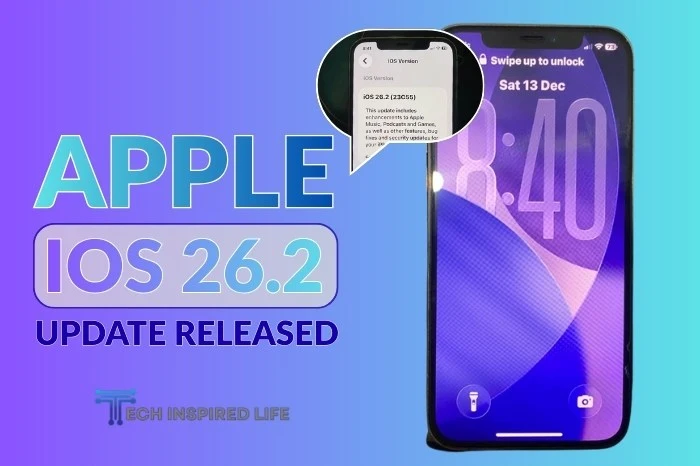
Apple has officially rolled out iOS 26.2, a new software update for iPhone users worldwide. The update is now available for all supported devices and brings important security fixes, feature improvements, and performance enhancements, making it a highly recommended upgrade for users.
What’s New in iOS 26.2
While iOS 26.2 does not introduce a complete visual overhaul, it includes several meaningful updates across the system:
- Security Enhancements: Apple has patched multiple vulnerabilities, including flaws that could allow attackers to execute malicious code or access sensitive data through Safari and system-level components.
- Improved System Stability: The update improves overall performance and reduces crashes reported in earlier versions of iOS 26.
- Lock Screen & UI Refinements: Minor visual adjustments improve readability and user interaction, particularly on the Lock Screen.
- App-Level Improvements: Enhancements have been made to core apps such as Reminders, Apple Music, Podcasts, and AirDrop, improving usability and security.
Why Apple Is Urging Users to Update
According to Forbes, some of the vulnerabilities fixed in iOS 26.2 were considered serious enough that Apple issued an update warning to all iPhone users.
These flaws could potentially be exploited if devices remain unpatched, making the update essential for device safety.
If you’ve previously experienced problems after installing iOS updates, you may want to review this guide before updating.
How to Install iOS 26.2
To update your iPhone:
- Open Settings
- Go to General
- Tap Software Update
- Download and install iOS 26.2
Before starting the update, make sure your iPhone is backed up and connected to a stable Wi-Fi network. If you’re not sure how to access or share your Wi-Fi details, this guide can help.
Looking Back at Older iOS Versions
If you’re curious how Apple’s software has evolved over time, you can revisit some of the most popular features from earlier releases here:
